
How can we help you?
-
myStock
-
- Articles coming soon
-
- Adding Product Recipes and Viewing Items
- Adding recipes
- Bulk settings
- Edit active menu pricing
- How to add products
- How to edit products (average cost, recipes and more)
- How to print barcodes from myStock
- How to review stock movements in stock enquiries
- How to search for products
- Stock Enquiries Grid Edit
- When to use stock enquiries
- Show Remaining Articles (1) Collapse Articles
-
- Articles coming soon
-
-
- Articles coming soon
-
- Articles coming soon
-
- Articles coming soon
-
- Articles coming soon
-
- Articles coming soon
-
- Articles coming soon
-
- Articles coming soon
-
-
-
- Articles coming soon
-
-
-
Accounting Integrations
-
- 01 - Requirements
- 02 - Connecting to Xero
- 03 - Integration Configuration
- 04 - Data Sync – TallOrder → Xero
- 05 - Data Sync – Xero → mySTOCK
- 06 - Product Matching & Item Creation
- 07 - Sync Monitoring & Error Handling
- 08 - Reconciliation Guidance
- 09 - Troubleshooting
- 10 - Frequently Asked Questions
- 11 - Disconnecting the Integration
- 12 - Support
- 13 - Data Flow Diagram
- Show Remaining Articles (3) Collapse Articles
-
-
TallOrder POS
-
TallOrder Add-ons
-
Features
-
FAQs
-
Merchant Settings
- Articles coming soon
-
Product Settings
- Articles coming soon
-
Customer Accounts, Loyalty & Promotions
- Articles coming soon
-
Staff Details
- Articles coming soon
-
Finance Settings
- Articles coming soon
-
POS User Guide
- Articles coming soon
-
Hardware
- Articles coming soon
-
Getting Started
- Articles coming soon
TallOrder Now Login
How to log into TallOrder Now
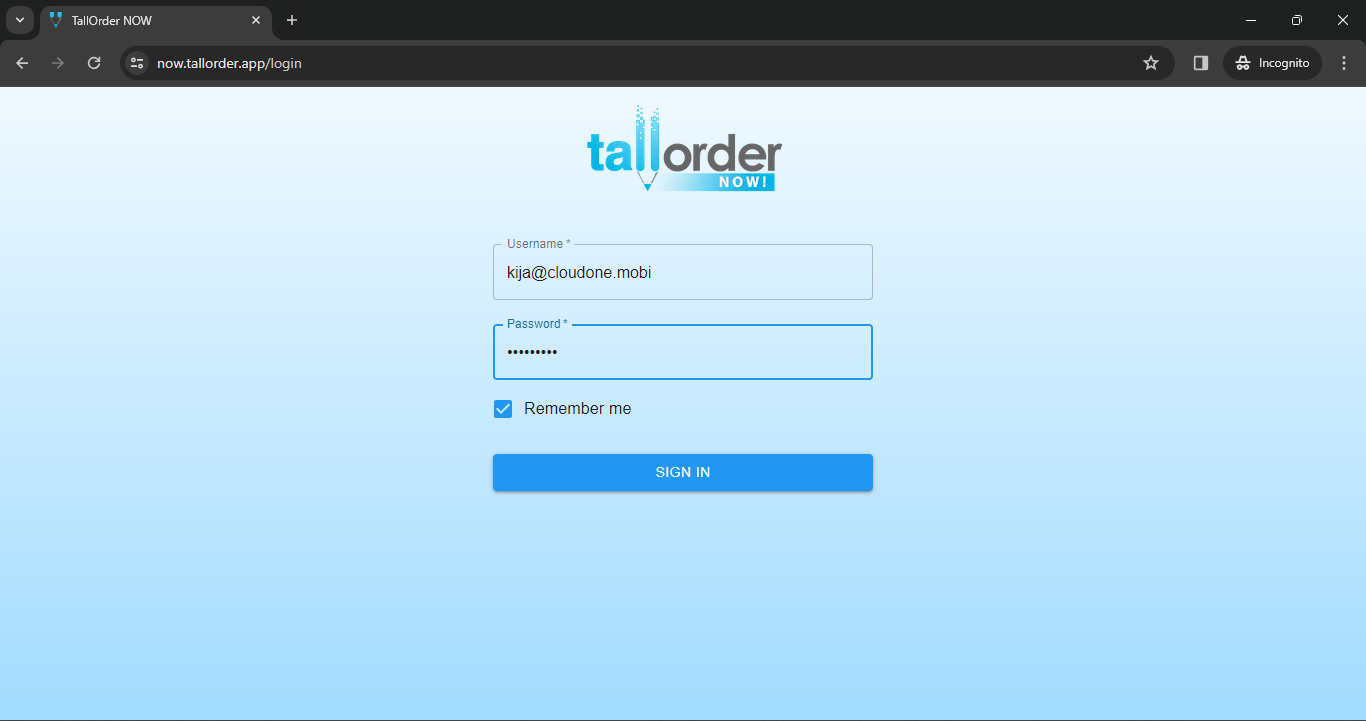
First thing that you’re going to do is log into the now.tallorder.app screen. Then type the link into your web browser URL which is tallordernow.app/login. You will then be navigated to the TallOrder Now page.

You can call us at any point in me to get this information.
You will then type in your username that would have been provided to you via our support team, your installation officer and then your password.
Once you have entered in your information you can just click the remember me but on and then click on the sign in but on.
Next is you’ll see a list of all your available tenants that are linked to you, these are all the businesses that are directly linked to your account.
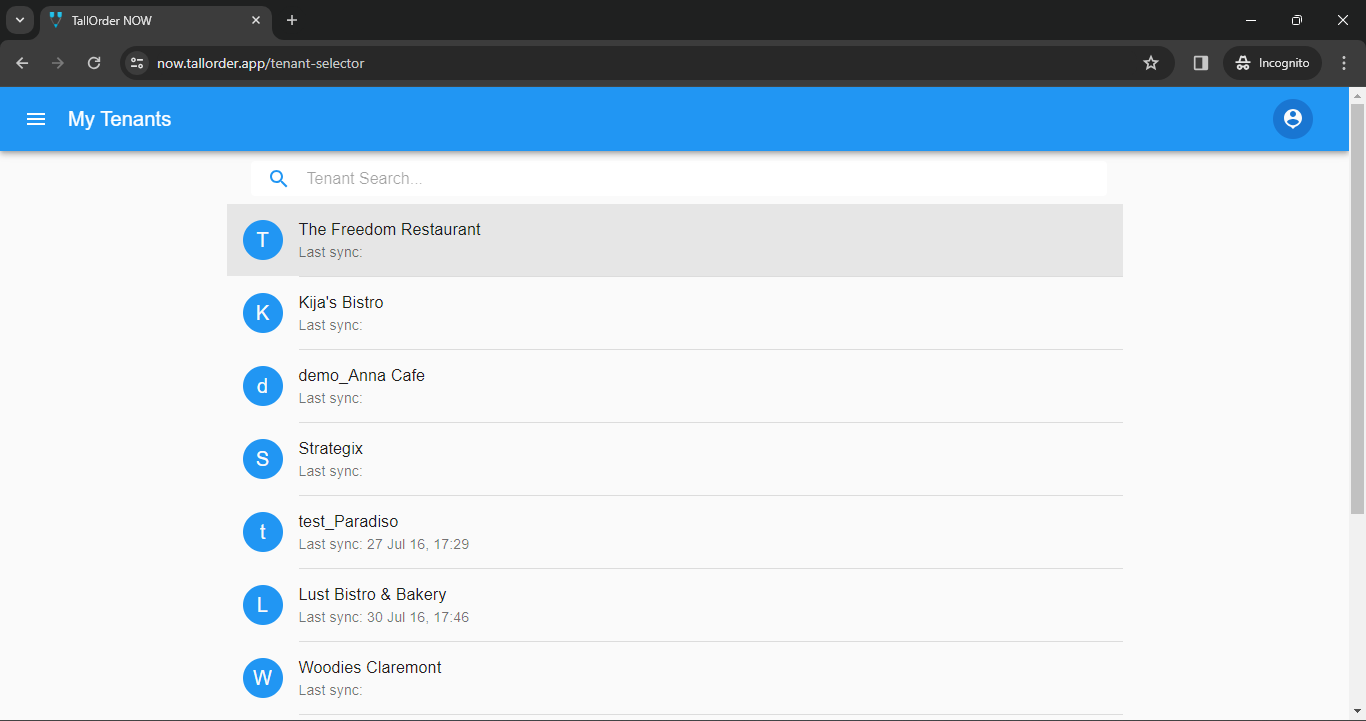
In this case we’re going to open up one of these tenants, which will display a day-by-day sales report, showing exactly what has been happening in your business over the last couple of days. Then if you want to go back, go to on the le menu panel and select your turnover screen, or go to sales to see the list of all your sales.

Should you need any further support on this, you can navigate to our support page where it will be www.tallorderpos.com. You can give us a call on a 24-7 basis or simply log a support ticket and our team will get back to you as soon as possible.